
Lucky Coin App – Full Casino & Sports Betting in Your Pocket
The Lucky Coin app combines real-money sports betting and licensed casino games in a single mobile platform. No desktop required. No mirror sites needed to bypass restrictions. The app delivers fast, responsive performance directly on your Android or iOS device, putting every feature of the platform at your fingertips 24/7.
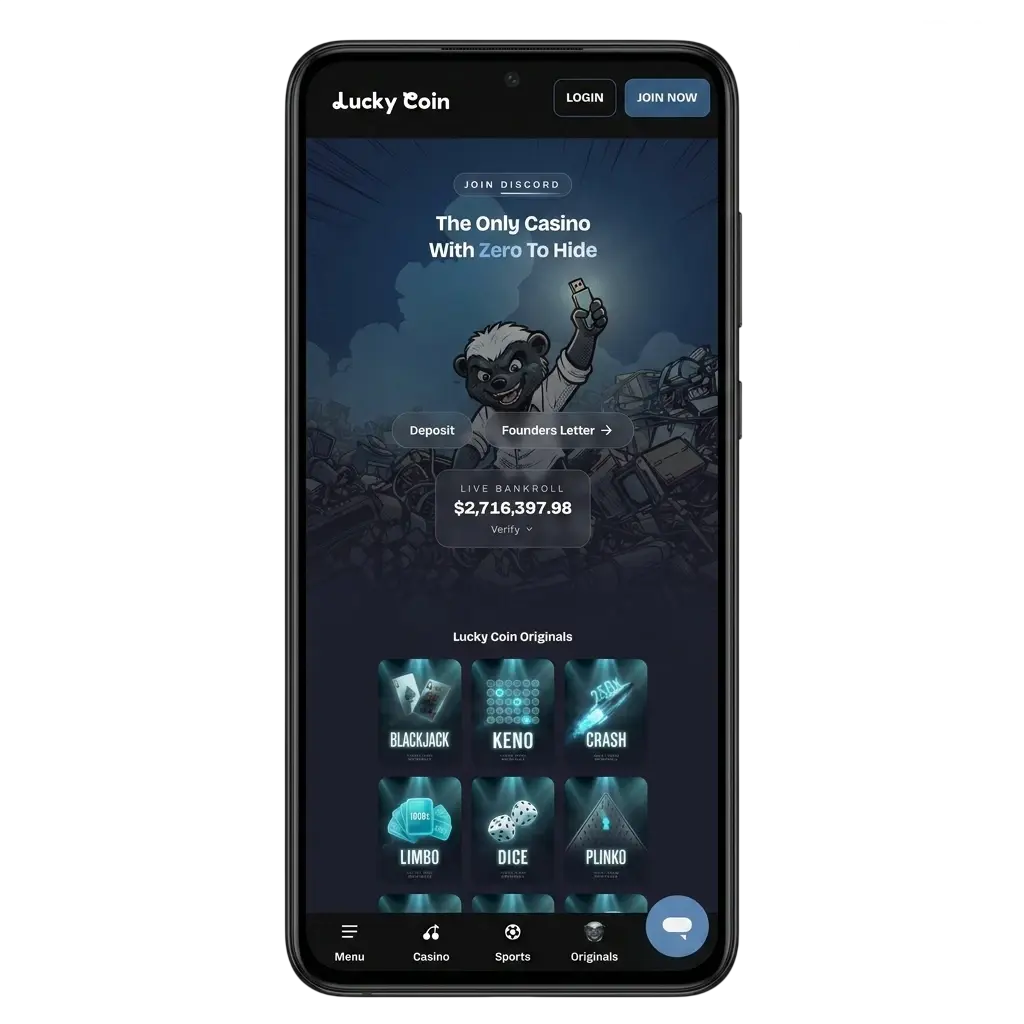
Lucky Coin App Features and Design Overview
The Lucky Coin app follows the brand’s signature dark navy and gold colour palette, delivering a visually consistent experience across all screen sizes. The layout is optimised for both compact smartphone displays and larger tablet screens, with touch targets sized for precision tapping. Every element scales proportionally, so the interface looks sharp on entry-level Androids and flagship iPhones alike.

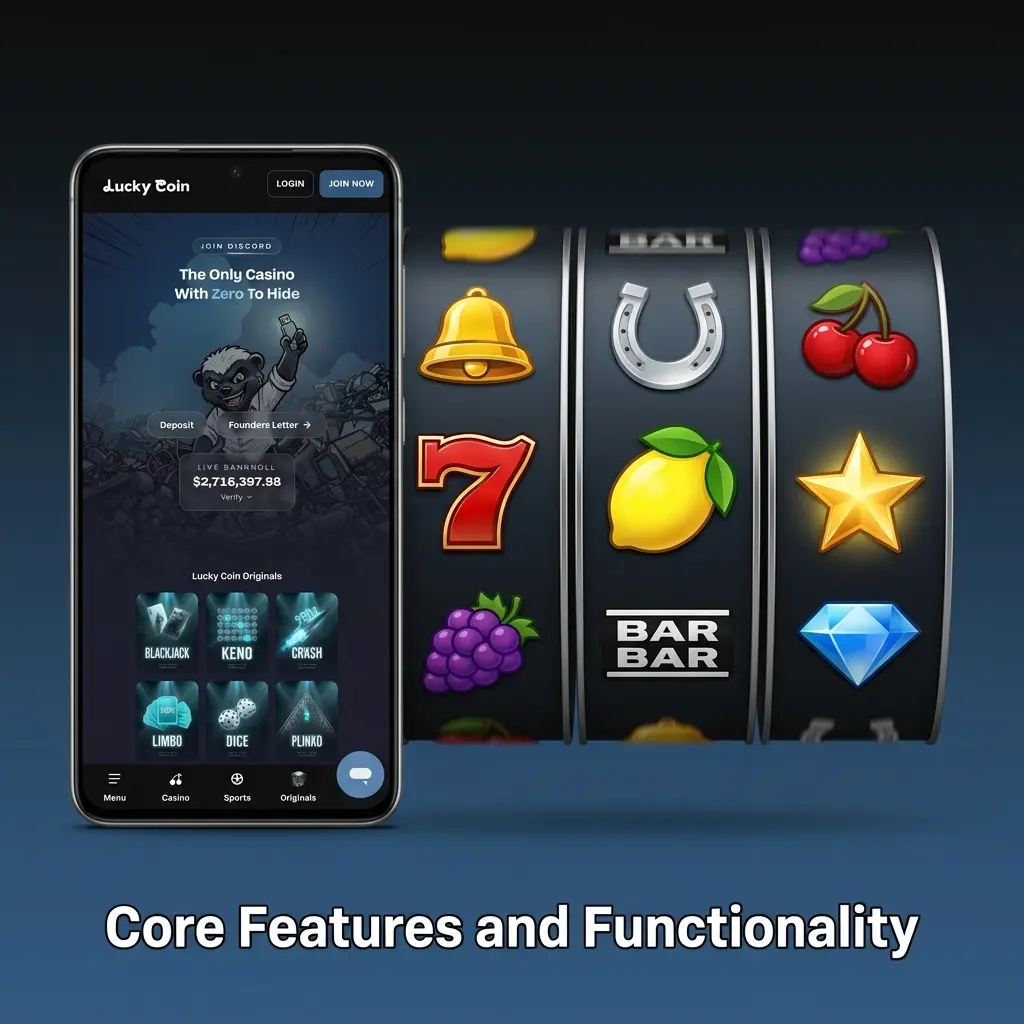
Core Features and Functionality
The Lucky Coin app matches the full desktop feature set. Pre-match and live sports betting lines are available across all major markets, including AFL, NRL, cricket, and tennis. In-app live streaming lets you watch events as you bet. The casino section covers slots, crash games, and live dealer tables from leading providers. Bonuses and promo codes can be activated directly inside the app. The support chat is accessible from every screen without leaving your current session.
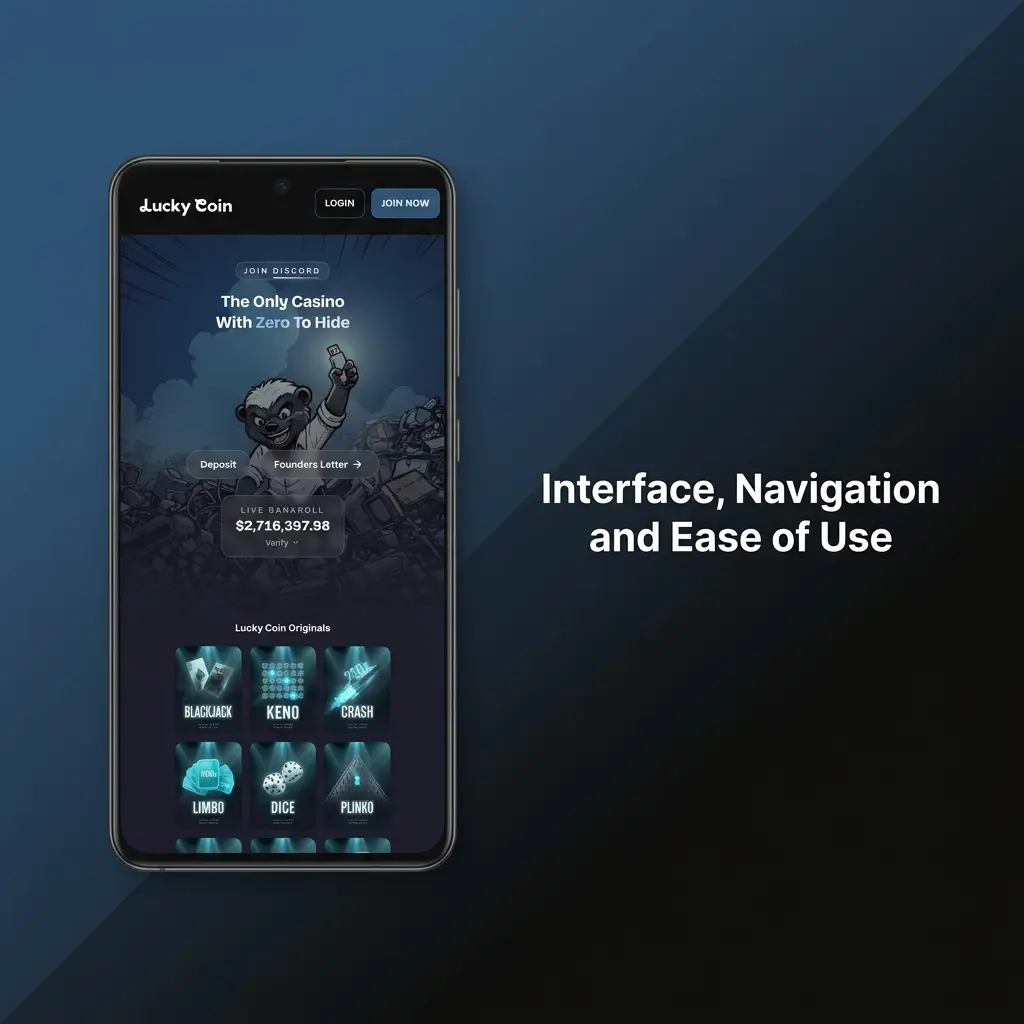
Interface, Navigation and Ease of Use
The app is structured around a bottom navigation bar with dedicated tabs for Sports, Casino, Live, Promotions, and your Account. The bet slip is accessible with a single tap from any sports screen. Inside the casino section, you can filter games by category, provider, or popularity. A provider search function lets you find titles from specific studios without scrolling. The layout is designed for one-handed use, with all primary controls placed within thumb reach for comfortable browsing on the go.
Lucky Coin App vs. Mobile Site: Which One Should You Use?
The mobile site works in any browser with no download required and uses no device storage. The dedicated app, however, loads faster because core UI elements are embedded in the application code rather than fetched from a server on every visit. The app also consumes less mobile data and maintains stable performance on weak network signals, making it the better choice for punters on the move.
Download the Lucky Coin App – Free for Australian Users
The Lucky Coin app download is completely free and takes under two minutes to complete. Australian players get instant access to the full platform once the installation is done. No subscriptions or hidden fees apply at any stage. Follow the steps below to get the app running on your device right away.
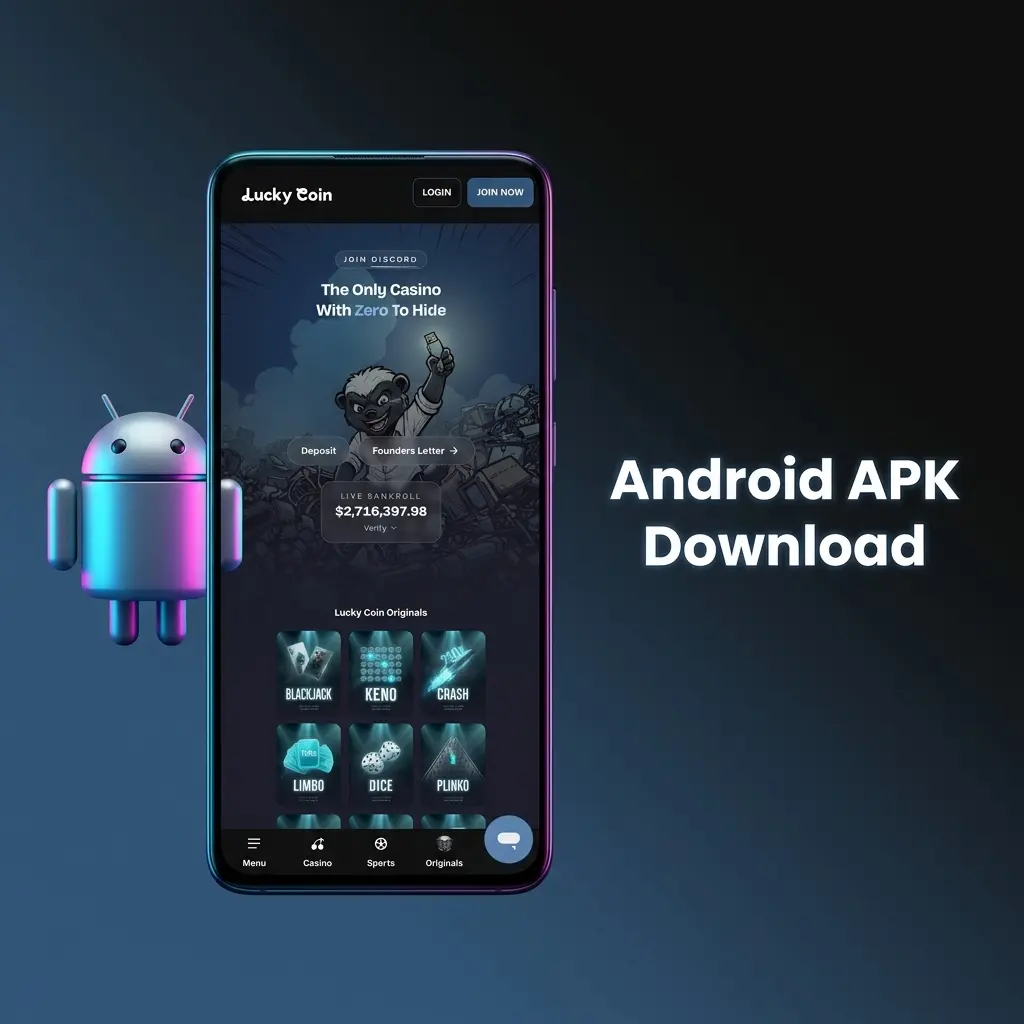
Android APK Download
Due to Google Play Store restrictions on real-money gambling apps, the Lucky Coin Android app is distributed as a direct APK file. The file is scanned, verified, and fully safe to install on any compatible Android device with no risk to your data or hardware.
Where to Download the Lucky Coin APK Safely
Only download the APK from this official Lucky Coin website. Third-party forums, unofficial app repositories, and social media links carry a genuine risk of phishing attacks and malware. The verified download button is located on this page. Use only that link to get the authentic Lucky Coin app download APK.
Step-by-Step Android Installation Guide
Installing the Lucky Coin APK on Android takes less than three minutes. Complete these steps in order for a successful installation.
Get the APK
Tap the “Download for Android” button on this page to start the Lucky Coin APK download directly to your device.
Allow Unknown Sources
Open your device Settings, navigate to Security or Privacy, and enable “Install from Unknown Sources” or “Install Unknown Apps” for your browser or file manager.
Locate the File
Open your device’s file manager or notification bar and tap the downloaded Lucky Coin APK file.
Confirm Installation
Tap “Install” when prompted. The system will complete the installation in seconds.
Launch the App
Tap “Open” or find the Lucky Coin icon on your home screen. Log in or register to begin playing.
Android System Requirements and Compatible Devices
Verify your device meets the minimum specs before starting the Lucky Coin game download. The recommended configuration ensures the best performance across all betting and casino features.
| Parameter | Minimum | Recommended |
|---|---|---|
| Android Version | Android 7.0 (Nougat) | Android 10.0 or higher |
| RAM | 1 GB | 2 GB or more |
| Free Storage | 100 MB | 200 MB or more |
| Processor | 1.2 GHz single-core | 1.8 GHz quad-core or higher |
| Internet Connection | 3G | 4G LTE or Wi-Fi |
| Screen Resolution | 720 x 1280 px | 1080 x 1920 px or higher |
Lucky Coin App for iOS – iPhone and iPad
The Lucky Coin iOS app is fully optimised for iPhone and iPad, delivering stable performance across all models from the iPhone 8 through the latest iPhone 16 series. Every feature available on desktop is accessible on iOS, including live betting, live dealer games, and in-app deposits.
How to Download the Lucky Coin App on iOS
The Lucky Coin iOS app may be available directly through the App Store. If regional restrictions apply in Australia, you can access it by temporarily switching your Apple ID region in your device settings. If the app is not currently listed on the App Store, use the official link on this page to add the Lucky Coin Web App (PWA) to your iPhone or iPad home screen via Safari. Only use links provided on this official website.
Step-by-Step iOS Installation Guide
Installing the Lucky Coin app on iPhone or iPad is straightforward and takes under two minutes.
Access the Download Link
Tap the “Download for iOS” button on this page to open the correct installation link in Safari.
Open in Safari
If prompted to choose a browser, select Safari for full PWA and App Store redirect support.
Follow the App Store Prompt
If directed to the App Store, tap “Get” to download and install the app to your device.
Add to Home Screen (PWA)
If using the web app, tap the Share icon in Safari, then select “Add to Home Screen” and confirm.
Launch and Sign In
Tap the Lucky Coin icon on your home screen, then log in or create a new account to start playing.
iOS System Requirements and Compatible Devices
Confirm your iPhone or iPad meets the following specifications before downloading the Lucky Coin app for iOS.
| Parameter | Minimum | Recommended |
|---|---|---|
| iOS Version | iOS 12.0 | iOS 15.0 or higher |
| RAM | 2 GB | 3 GB or more |
| Free Storage | 150 MB | 250 MB or more |
| Device | iPhone 8 | iPhone 12 or newer |
| Internet Connection | 3G | 4G LTE or Wi-Fi |
| Screen Resolution | 750 x 1334 px | 1170 x 2532 px or higher |
Lucky Coin for Windows – Desktop Application
A dedicated Windows application is available for players who want the most stable platform access without relying on a browser. The desktop client connects directly to the Lucky Coin servers and maintains a consistent, reliable session even on busy internet connections.
Step-by-Step Windows Installation Guide
Installing the Lucky Coin desktop application on a Windows PC takes only a few minutes.
Get the Installer
Click the “Download PC” button on this page to download the official Lucky Coin Windows setup file.
Run the Installer
Locate the downloaded .exe file in your Downloads folder and double-click to launch the setup wizard.
Accept Permissions
Click “Yes” if Windows User Account Control asks for permission to make changes to your device.
Complete Setup
Follow the on-screen installation prompts. The process completes in under one minute.
Launch and Log In
Open the Lucky Coin application from your desktop shortcut, then sign in with your existing account credentials or register a new account.
Registration and Login in the Lucky Coin App
Creating an account or logging in through the Lucky Coin app takes under 60 seconds. Both processes are built for minimal steps so you can get to betting or gaming as fast as possible.
How to Create a Lucky Coin Account via the App
New players can register a Lucky Coin account directly through the app in five steps.
- Tap “Create an Account” on this page to open the Lucky Coin registration screen.
- Enter your email address and choose a secure password.
- Select Australia as your country and enter your date of birth to confirm you are 18 or older.
- Accept the Terms and Conditions and confirm you are of legal gambling age.
- Tap “Register” to complete the process. Your account is active immediately.

How to Log In to Your Existing Lucky Coin Account
Returning players can sign in to the Lucky Coin app in seconds.
- Tap “Log In to the App” on this page to open the login screen.
- Enter your registered email address and password.
- Tap “Log In” to access your account and resume playing.
- Enable biometric login (fingerprint or Face ID) in the app settings for faster access on future visits.
Important: If you already have a Lucky Coin account, do not register again. Creating duplicate accounts may result in account suspension. Always use your original login credentials.
How to Place Bets in the Lucky Coin App
Live odds update continuously inside the app, so you can act on the best available lines without delay. Every sport, market, and bet type found on the desktop version is accessible in the mobile interface. AFL, NRL, cricket, rugby union, tennis, and international football are all covered with pre-match and in-play lines.
How to Place a Bet in the Lucky Coin App: Step-by-Step
Placing a bet in the Lucky Coin app follows a straightforward process that takes less than 30 seconds once you are logged in.
- Tap “Place a Bet” on this page to open the Lucky Coin sports betting section.
- Select your sport from the top navigation bar (e.g., AFL, NRL, Cricket, Football).
- Browse available matches and tap the odds for your chosen selection to add it to your bet slip.
- Open your bet slip by tapping the slip icon at the bottom of the screen.
- Enter your stake amount in the designated field.
- Tap “Place Bet” to confirm. Your bet is registered instantly and appears under My Bets.

Casino Section in the Lucky Coin App
The majority of players now access online casino games via smartphone, and Lucky Coin’s casino library reflects that. Every title in the library is built on HTML5 technology, which means games load directly in the app with no plugins required and respond precisely to touch input on any screen size.

Games Available in the Lucky Coin App
The app provides access to all game categories available on the full platform. The library spans thousands of titles from providers including Pragmatic Play, Evolution, Hacksaw Gaming, BGaming, and others.
- Slots: The largest category on the platform, covering classic 3-reel pokies, 5-reel video slots, and branded titles. Popular examples include Gates of Olympus and Sweet Bonanza;
- Crash Games: Fast-paced multiplier games such as Aviator and JetX, where you cash out before the multiplier resets;
- Live Dealer Tables: Streamed in HD with real dealers covering Blackjack, Roulette, Baccarat, and game show formats like Crazy Time and Monopoly Live;
- Table Games: Digital versions of Blackjack, Roulette, Baccarat, and Poker, available in multiple RNG variants;
- Virtual Sports: Simulated sports events with continuous scheduling, including virtual football and horse racing;
- Jackpot Slots: Progressive jackpot titles with pooled prize amounts that accumulate across all active players.
Payment Methods in the Lucky Coin App
All transactions processed through the Lucky Coin app are protected by SSL encryption. Australian players have access to both crypto and fiat payment options. Processing times and limits vary by method, as outlined in the table below.
| Method | Type | Processing Time | Limits |
|---|---|---|---|
| USDT | Both | Deposits: instant; Withdrawals: up to 24 hrs | Min: 20 AUD; Max: varies by account |
| USDC | Both | Deposits: instant; Withdrawals: up to 24 hrs | Min: 20 AUD; Max: varies by account |
| BTC | Both | Deposits: instant (after confirmations); Withdrawals: up to 24 hrs | Min: 20 AUD; Max: varies by account |
| ETH | Both | Deposits: instant (after confirmations); Withdrawals: up to 24 hrs | Min: 20 AUD; Max: varies by account |
| SOL | Both | Deposits: instant; Withdrawals: up to 24 hrs | Min: 20 AUD; Max: varies by account |
| TRX | Both | Deposits: instant; Withdrawals: up to 24 hrs | Min: 20 AUD; Max: varies by account |
| DOGE | Both | Deposits: instant; Withdrawals: up to 24 hrs | Min: 20 AUD; Max: varies by account |
| BNB | Both | Deposits: instant; Withdrawals: up to 24 hrs | Min: 20 AUD; Max: varies by account |
| ADA | Both | Deposits: instant; Withdrawals: up to 24 hrs | Min: 20 AUD; Max: varies by account |
| BCH | Both | Deposits: instant; Withdrawals: up to 24 hrs | Min: 20 AUD; Max: varies by account |
| VISA / Mastercard | Both | Deposits: instant; Withdrawals: 3-5 business days | Min: 20 AUD; Max: varies by account |
| Bank Transfer | Both | Deposits: 1-3 business days; Withdrawals: 3-7 business days | Min: 50 AUD; Max: varies by account |

How to Make a Deposit via the Lucky Coin App
Funding your Lucky Coin account through the app is fast and takes under two minutes. All supported payment methods are available directly inside the app.
Open the Deposit Section
Tap “Deposit via the App” on this page to access your account wallet inside the Lucky Coin app.
Select a Payment Method
Choose your preferred option from the list, such as USDT, BTC, VISA, or Bank Transfer.
Enter the Deposit Amount
Type in the amount you wish to deposit. The minimum deposit is 20 AUD for most methods.
Confirm the Transaction
Follow the on-screen instructions for your chosen method and authorise the payment.
Receive Confirmation
Funds are credited to your account instantly for crypto and card deposits. Bank transfers may take 1-3 business days.
How to Withdraw Funds via the Lucky Coin App
Withdrawals from your Lucky Coin account are processed securely and directly through the app. Crypto withdrawals are typically the fastest option available.
Navigate to the Cashier
Tap “Withdraw via the App” on this page to open the withdrawal section of your account.
Choose a Withdrawal Method
Select your preferred method. Crypto withdrawals (BTC, ETH, USDT, etc.) are processed within 24 hours.
Enter the Withdrawal Amount
Type in the amount. Ensure you have met any applicable wagering requirements on bonus funds before requesting a withdrawal.
Provide Destination Details
Enter your crypto wallet address or bank account details as required by the selected method.
Confirm and Submit
Review the details and tap “Withdraw” to submit your request. You will receive a confirmation notification inside the app.
Bonuses and Promo Codes for Lucky Coin App Users
App users have full access to every promotion available on the Lucky Coin platform. The welcome offer lets new players deposit and receive up to 300 Free Spins with a 20x wagering requirement, plus earn up to 35% in Rewards on a minimum deposit of 20 AUD. Cashback promotions are also available for active players and are applied automatically based on your betting and gaming activity.
Lucky Coin periodically runs app-specific promotions awarded directly to players who download and use the mobile application. Check the Promotions tab inside the app regularly for any current mobile-exclusive offers.
To activate a promo code in the app, navigate to the Cashier or Deposit screen. Look for the “Promo Code” or “Bonus Code” field and enter your code before confirming the deposit. The bonus is credited to your account automatically once the qualifying deposit is processed.

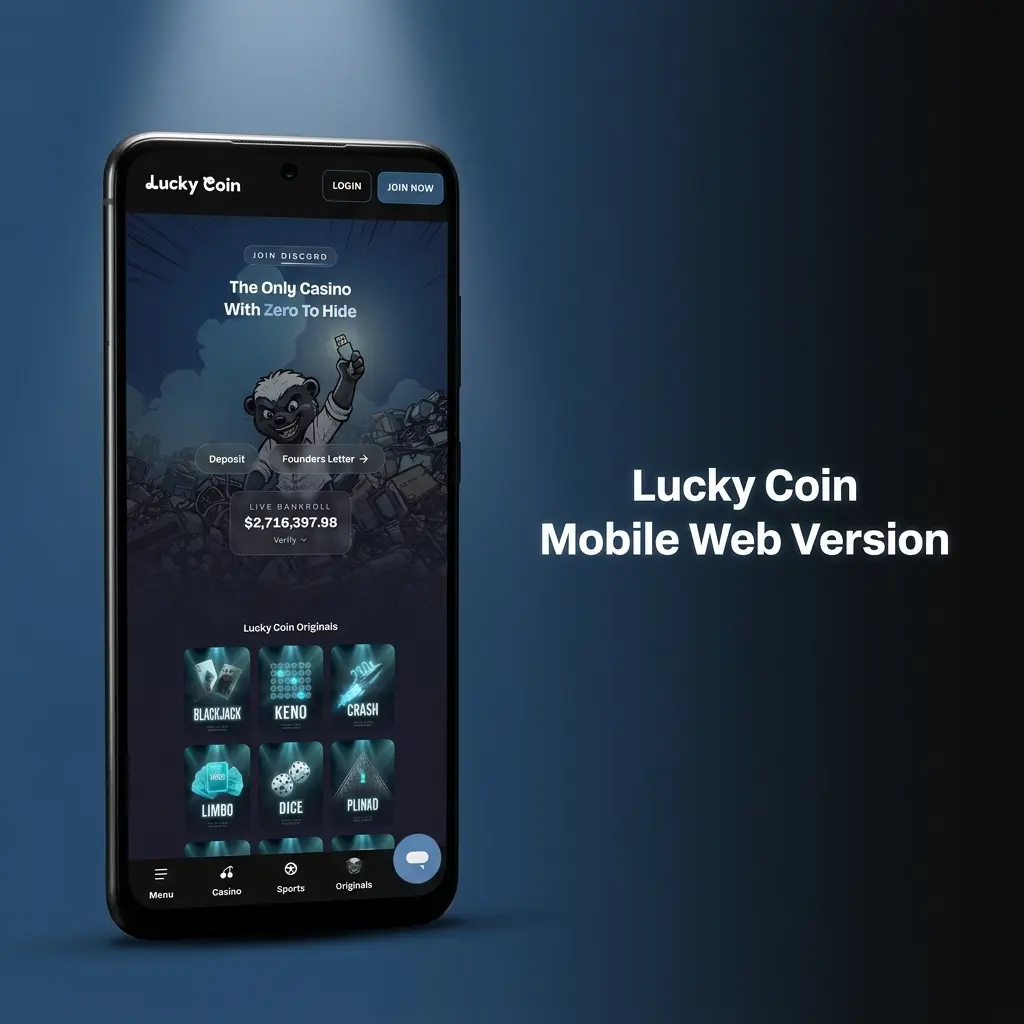
Lucky Coin Mobile Web Version
The Lucky Coin mobile site is a reliable option for players who prefer not to install an app, use a device with limited storage, or access the platform from an operating system outside Android and iOS. Open the site in any mobile browser and it automatically adapts to your screen size. All core features remain available, including sports betting, casino games, live dealer tables, deposits, withdrawals, and customer support.
Lucky Coin App: Pros and Cons for Australian Players
The Lucky Coin app delivers a strong mobile betting and gaming experience for Australian users. Here is an honest breakdown.
Pros:
- Full sports betting and casino access in a single app;
- Faster load times compared to the mobile browser version;
- Lower mobile data usage due to locally cached UI elements;
- Stable performance on 3G and weak network connections;
- Live streaming of sports events available in-app;
- Free Spins welcome offer and cashback promotions accessible directly through the app;
- Supports multiple crypto payment methods with instant deposit processing;
- One-handed navigation with a well-structured bottom menu;
- Available for Android (APK), iOS, and Windows desktop.
Cons:
- Android installation requires enabling "Unknown Sources" manually, which adds one extra step;
- iOS availability in the Australian App Store may vary depending on regional app store policies.
Is the Lucky Coin App Safe to Use in Australia?
The Lucky Coin app uses 128-bit SSL encryption to protect all personal and financial data transmitted between your device and the platform’s servers. Your account information, payment details, and betting history are fully secured at every point of interaction. Downloading and using the official Lucky Coin app is completely safe for Australian players.
FAQ
Is the Lucky Coin app legal for Australian players?
Lucky Coin operates under an international gaming licence and accepts Australian players. The app itself is legal to download and use in Australia. Always verify current local regulations in your state or territory regarding online gambling.
How much storage does the Lucky Coin APK require on Android?
The Lucky Coin APK requires a minimum of 100 MB of free storage. For optimal performance, 200 MB or more is recommended.
Can I use the same account on both the app and the mobile site?
Yes. Your Lucky Coin account works across all platforms, including the Android app, iOS app, Windows desktop client, and mobile browser version. Use your standard email and password to log in on any device.
How long does a crypto withdrawal take through the app?
Crypto withdrawals via BTC, ETH, USDT, and other supported currencies are typically processed within 24 hours of submission. Bank transfer withdrawals take 3-7 business days.
How do I activate a promo code in the Lucky Coin app?
Go to the Cashier section inside the app, then open the Deposit screen. Enter your promo code in the designated field before confirming your deposit. The bonus is credited automatically once the qualifying deposit is processed.
Updated: